
A job site office should make the work outside easier. It needs to be a place where the foreman can find the current plans, a subcontractor can get an answer, and the crew can start the day knowing what comes next. If everyone has to dig through papers or hunt for a charged tablet, the office is slowing the project down.
You do not need an elaborate setup to make the space useful. A few decisions about desks, drawings, power, and meeting space can turn a portable office container into a dependable base for the crew.
Start With the Work That Happens There
Before moving in furniture, list the jobs the office needs to handle. Who will use it every day? Will the crew come in for morning briefings? Will subcontractors stop by to review drawings? Does someone need a desk for scheduling, reports, and calls?
That list will tell you what belongs inside. A site superintendent working alone may need one desk and a large plan review surface. A team coordinating several trades may need more wall space for schedules and a clear spot where two or three people can stand around a drawing.
Keep the purpose practical. If the office is meant for plans and coordination, avoid letting spare materials, toolboxes, and personal gear take over the floor. Give those items another home so people can walk in, find what they need, and get back to work.
Place Desks Where People Can Focus
The first desk usually becomes the center of the office. Put it where the person managing the site can see visitors come in, reach an outlet, and work without blocking the door. Leave enough clear space to pull out a chair and spread out paperwork.
If more than one person needs a workstation, think about the work they do at the same time. Someone taking calls may need a little separation from the area where crews review plans. If the team uses laptops at a shared table, make sure there is room for both the computers and the drawings that inevitably come out beside them.
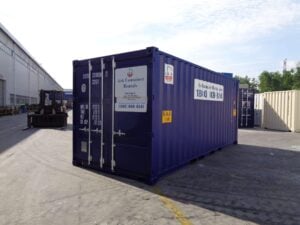
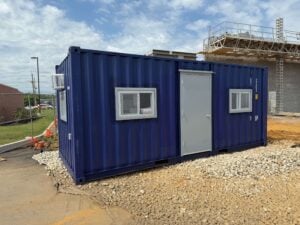
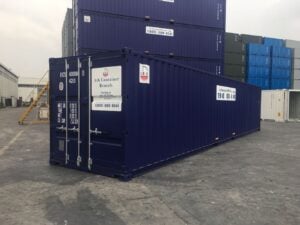
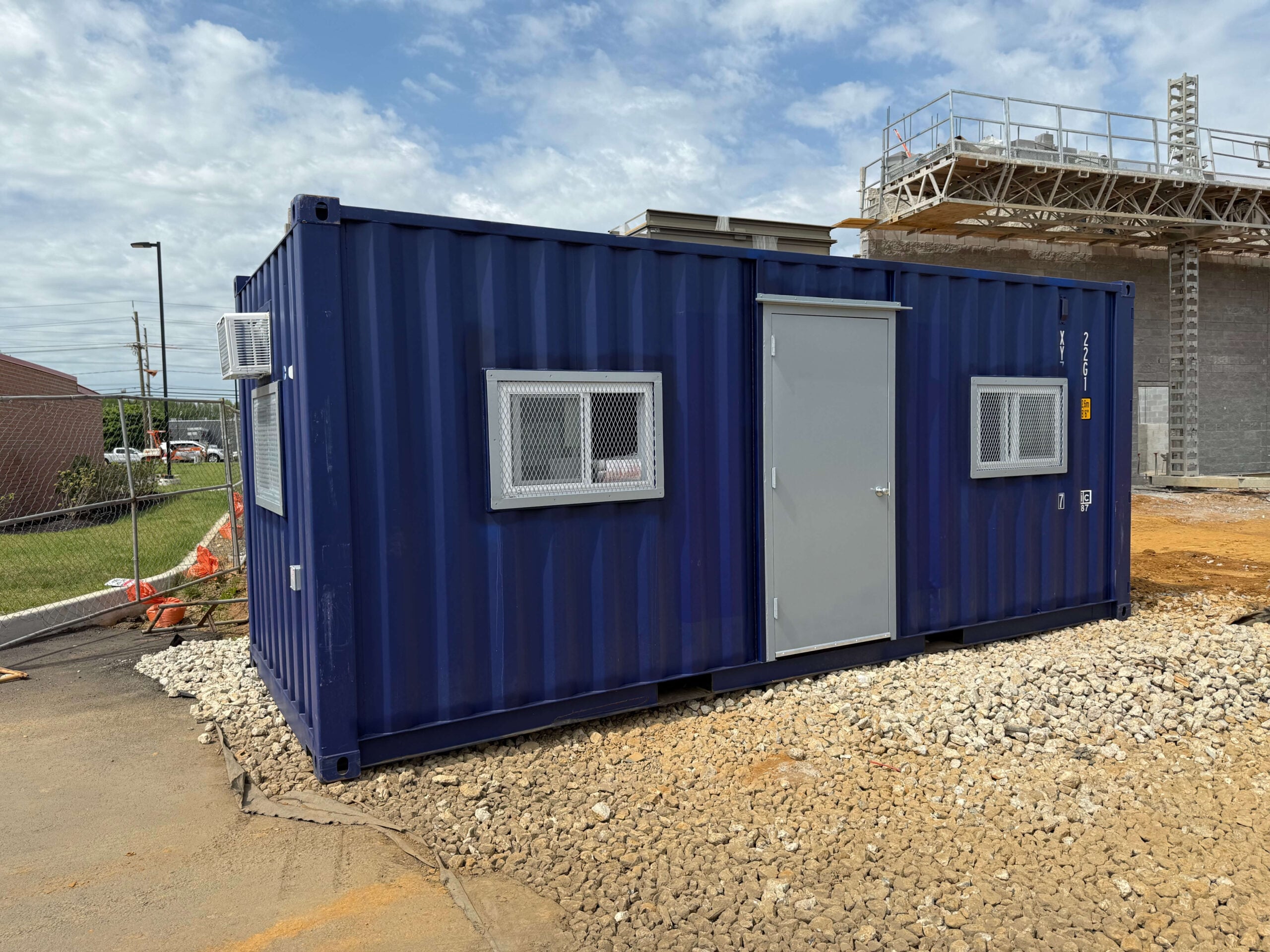
Ark offers 20-foot and 40-foot office containers. The right choice depends on how many people need to work inside and whether you also need room for meetings, plan storage, or a second desk. Sketch your layout before delivery, including the furniture you plan to bring.
Give Plans and Paperwork a Consistent Home
Plans are useful only when the crew can identify the current set. Choose one place for active drawings and keep older versions separate. A rack, cabinet, or clearly labeled shelf can help prevent someone from grabbing the wrong revision on the way out.
Set up a simple system for the paperwork the team reaches for most:
- Current plans: Keep the latest drawings together and mark replaced sheets clearly.
- Daily information: Post the schedule, deliveries, and key contacts where people will see them.
- Safety documents: Give sign-in sheets, briefing records, and other required site paperwork a designated spot.
- Incoming items: Use a tray or folder for documents that still need review, so they do not disappear into a stack.
A section of wall near the plan review area can hold the weekly look-ahead schedule and notes about upcoming inspections. Keep that board current. Once it fills with old notices, people stop checking it.
Windows make the office more pleasant for reading plans during the day, while interior lighting helps when work starts early or runs late. Position the main review surface so people can see drawings clearly without glare across the page or screen.
Set Up One Charging Station
Phones, tablets, radios, and laptops all need power, but loose cords across a busy office quickly become a nuisance. Pick a counter or shelf near the outlets and make it the charging station. Keep chargers there, label shared devices, and give charged and depleted equipment separate spots.
Then check the routine around it. Who plugs in devices at the end of the day? Who makes sure a tablet needed for an inspection is ready in the morning? A charging shelf works best when someone owns those small tasks.
Ark’s office containers include outlets and wiring, but your team should confirm the unit’s electrical requirements and the site’s available power before delivery. Tell Ark what equipment you expect to run, especially if the office will need computers, a printer, Wi-Fi equipment, or several chargers at once.
Make Meetings Easy to Hold
Most job site meetings are short. The crew needs to hear the day’s priorities, review a change, or settle a question before returning to work. Arrange the office for those conversations instead of filling it with chairs that rarely get used.
A small table or clear section of desk can work for plan reviews. For morning huddles, a visible schedule and enough standing room may matter more. Keep the path from the entrance open so people can step in without squeezing past furniture or power cords.
It also helps to decide where different conversations happen. A quick question can be handled at the door. A drawing review needs a surface where people can point to the same detail. A private call should not have to compete with the morning briefing. If several of those activities happen at once, allow more space when choosing the container.
Use the Office Features Throughout the Day
An office that feels fine for ten minutes may be frustrating after a full shift. Think about how the space will work at 7 a.m., during a busy afternoon, and at closing time.
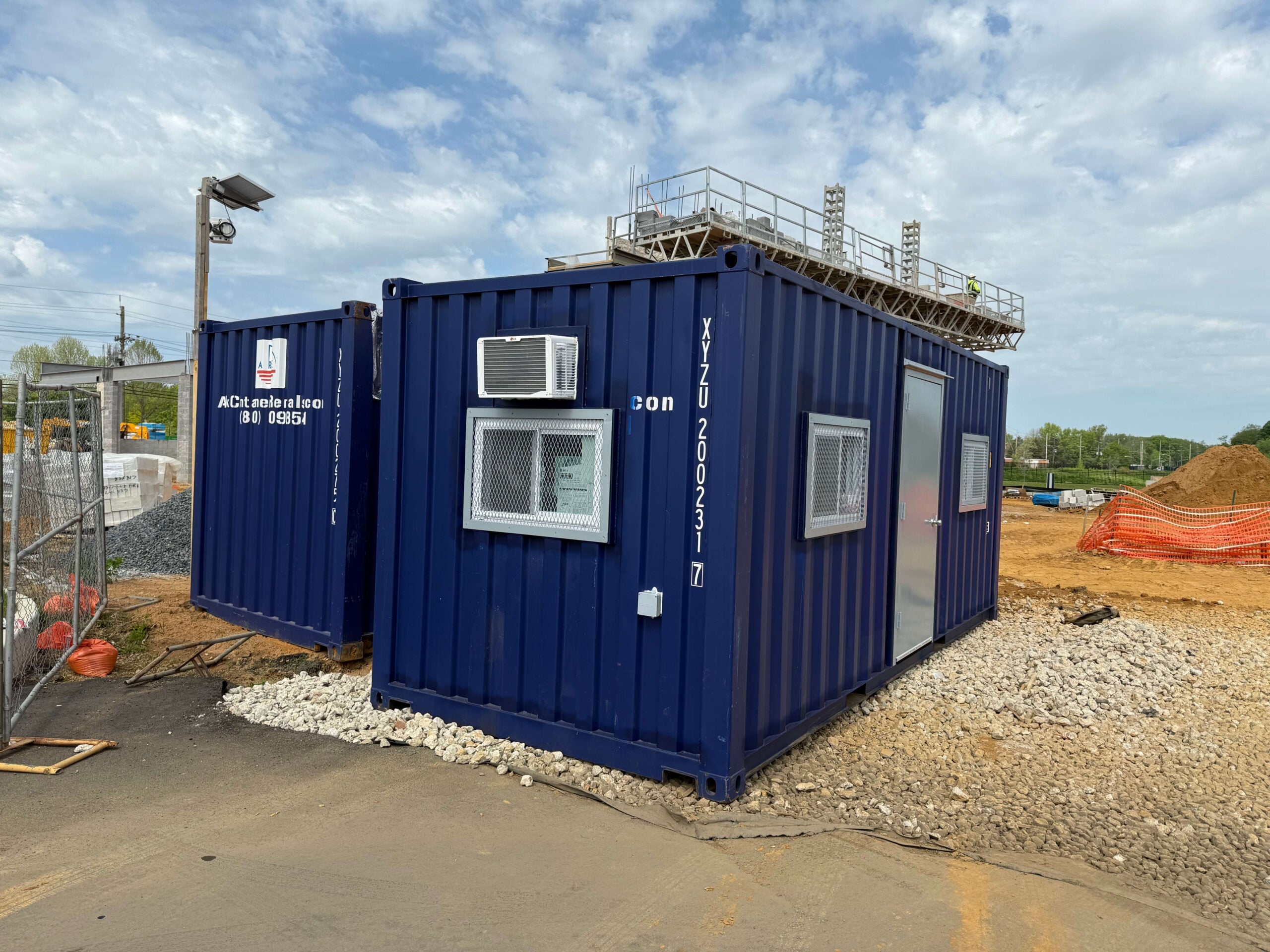
Ark lists insulation, windows, lights, outlets, and climate control among its office container features. Each supports a routine on site:
- Lights let the crew read plans, complete reports, and prepare for early starts.
- Outlets support the devices used for communication, documentation, and scheduling.
- Insulation and climate control make the space more comfortable for work that requires people to sit and focus.
- Windows bring in daylight and help the office feel like a place to work, not just a place to store paperwork.
Use those features with the layout in mind. Keep tall cabinets from blocking windows. Put desks and charging shelves where their cords can reach outlets without crossing the floor. Leave space around equipment that needs airflow, and keep the entrance clear for people moving in and out throughout the day.
Build a Simple Opening and Closing Routine
Even a well-organized office can get messy once the project picks up. A five-minute routine at the start and end of each day helps keep it working.
In the morning, check that the current plans are available, devices are charged, and the schedule board reflects the day’s work. Before leaving, collect loose paperwork, put shared equipment on charge, secure important documents, and lock up.
Those habits save time when a subcontractor arrives with a question or the crew needs a drawing immediately. They also make it easier for someone else to use the office when the regular site lead is away.
Plan the Placement Before Delivery
The office needs a useful location on the site as well as a useful layout inside. Choose a spot crews can reach without walking through active equipment routes. Leave room for the delivery truck, future material drops, and eventual pickup. You will also need to plan for the electrical connection.
Talk through the location and your intended use with Ark before the container arrives. That is the time to confirm the unit size, available features, site access, and any layout options your project needs.
Give Your Crew a Better Place to Coordinate
The best job site office is the one people actually use. Give plans a home, keep devices charged, make room for quick meetings, and set up a daily routine that holds up when the site gets busy. Those details help the crew spend less time looking for information and more time moving the job forward.
Ark Container Rentals offers office containers for construction sites with the features needed for day-to-day work. Request a quote and tell the team how many people will use the office, what equipment you need to power, and where it needs to be delivered.